
Hiker Trash for Android Is Ready To Test!
Here's how to "sideload" Hiker Trash v1.1.1 for Android
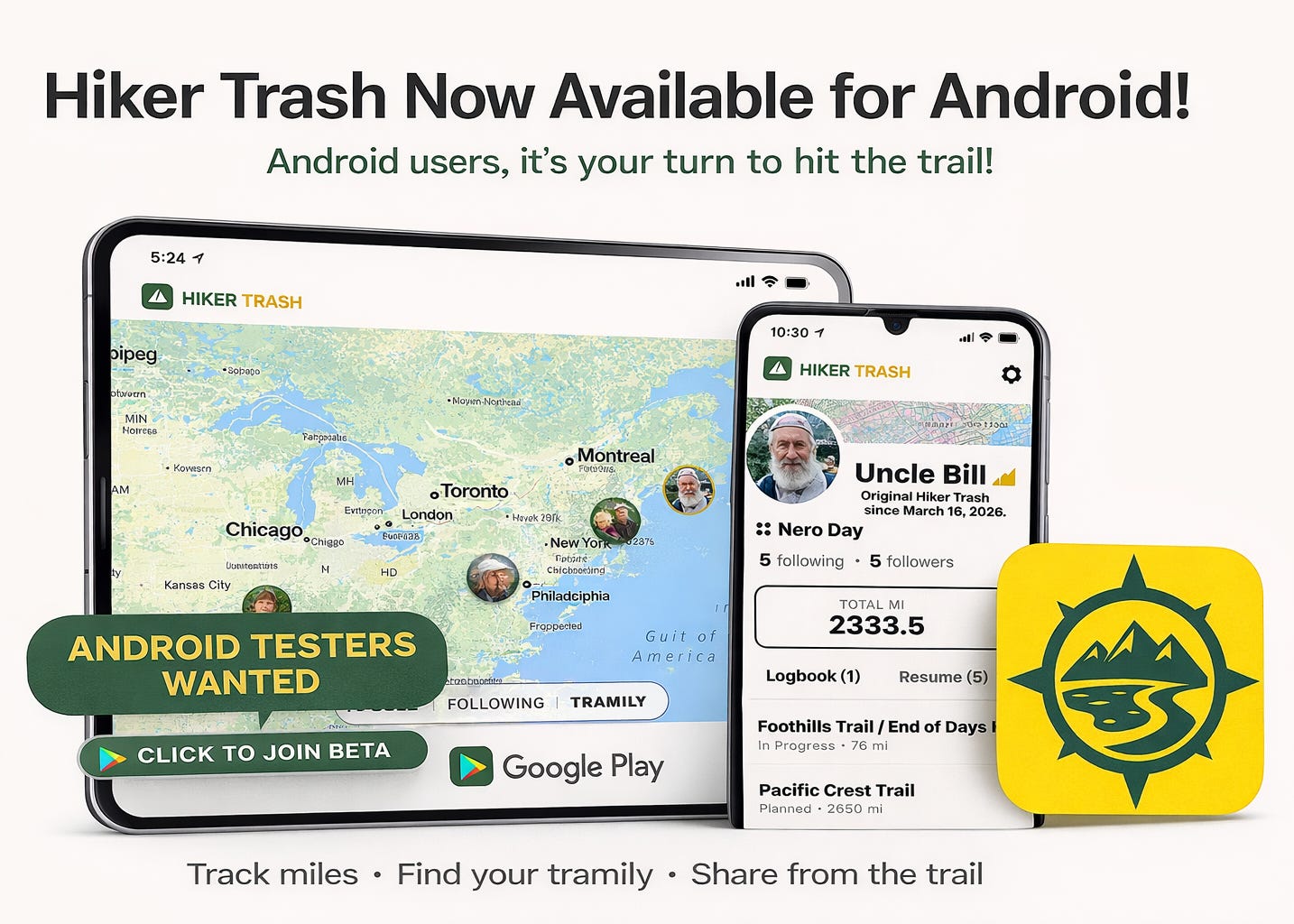
The new version of Hiker Trash is live and ready for testing on Android devices. Since it’s not on the Play Store yet, you’ll need to “sideload” it.
Please send feedback using the link at the bottom of this page because I don’t have a physical Android device to test, only a simulator. Thanks!
1. Visit: https://HikerTrash.app
2. Click: Request Early Access
3. Install: Follow the instruction to download the link from Google Drive.
Send bug reports or feedback using the Support page on the Hiker Trash website.